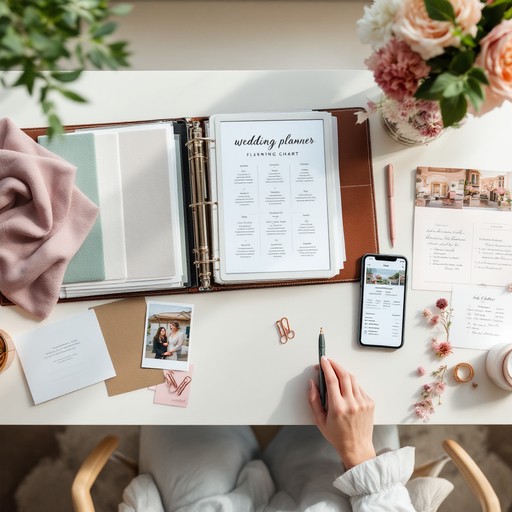
Digital Planners – Digital planners are interactive, hyperlinked PDF files or apps used on tablets, phones, or computers to manage daily schedules, tasks, and long-term goals.
They are primarily used for organizing, setting, and tracking goals, taking notes, and managing productivity, often utilizing digital stickers, templates, and stylus pens for a customized, eco-friendly, and portable experience.
- Key Uses and Benefits of Digital Planners:
- Task & Schedule Management: Used for keeping track of appointments, to-do lists, and time-blocking to maximize productivity.
- Portability & Accessibility: They allow users to carry a complete planning system on a phone or tablet, with the ability to sync across devices.
- Customization & Flexibility: Users can easily reorganize, edit, add pages, and use digital stickers, which is often more flexible than paper, allowing for easy correction of mistakes.
- Goal Setting & Tracking: Used for tracking long-term projects, daily habits, fitness, or financial goals.
- Sustainability: They provide a paperless, reusable alternative to traditional planners, eliminating the need to buy a new one every year.
- Use Cases: Common uses include daily planning, meal planning, budgeting, habit tracking, and project management.
Profitable, digital planners include niche-specific trackers (finance, health, habit), daily/weekly productivity, and student planners.
Top Free Digital Planner Creation Tools
Free, highly customizable, and accessible apps for creating digital planners include:
- Canva (Web, iOS, Android): Offers thousands of free templates, elements, and graphics to design customized planners, with automatic saving.
- Google Slides (Web, iOS, Android): Ideal for creating hyperlinked, interactive planners that can be used on any device.
- Notion (Web, iOS, Android): Excellent for full customization, allowing for building complex, functional, and interconnected planners.
- Keynote (iOS/Mac): A versatile, free tool for Apple users to create designed planners.
- Venngage (Web): Provides specialized, free templates for planners including meal, financial, and daily, weekly, and monthly layouts.
Once a planner is designed (usually as a PDF), it can be used for free in note-taking apps:
Free Tools for Using/Importing Planners
These tools allow users to create customized, hyperlinked planners from scratch or via templates, which can then be imported into note-taking apps like CollaNote or the free versions of Xodo or Flexcil.
- CollaNote & Xodo: Popular free options for annotating PDF planners.
- Flexcil: Offers a robust free version for handwriting and editing digital planner pages.
How to Start Free Digital Planning